
Written By Gaurav Sharma
Last updated: August 2026
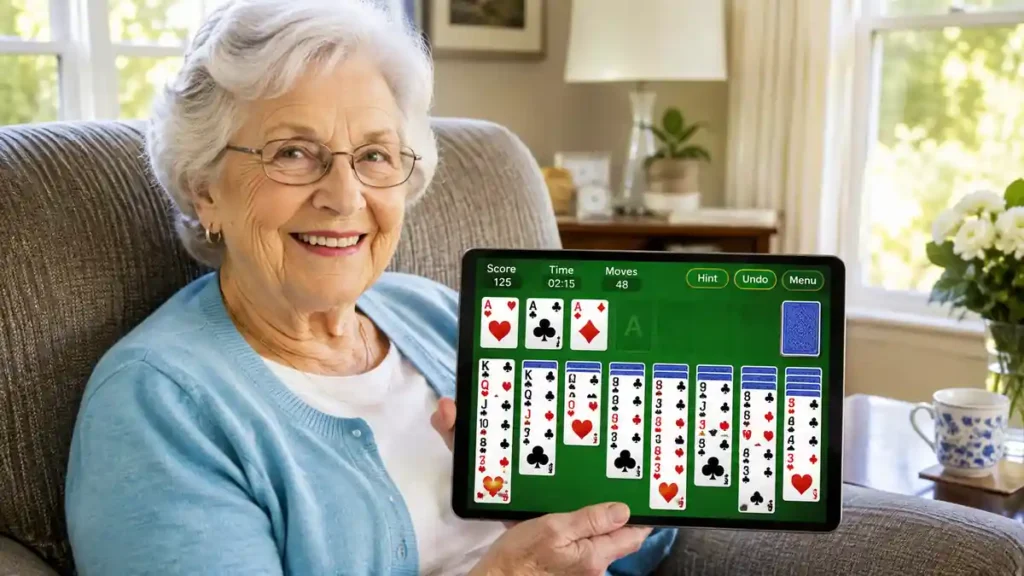
Vita Solitaire for Seniors is a free digital Klondike card game developed by Vita Studio, designed specifically to address the visual and touch accessibility needs of mature adults and seniors.
The app is free to download on Apple iOS (iPad, iPhone) and Android devices. While it follows the classic rules of Klondike Solitaire that card players have enjoyed for decades, its high-contrast themes and simplified layout reduce eye strain and make tablet play much easier for aging hands.
If you are considering whether Vita Solitaire is easy to navigate, how advertisements are handled, or whether it is worth adding to your tablet, this unbiased guide breaks down its main features, settings, and gameplay options.
Table of Contents
- What Is Vita Solitaire?
- Is Vita Solitaire Free?
- Key Senior-Friendly Accessibility Features
- Vita Solitaire vs. Standard Solitaire Apps
- How to Download on iPad, iPhone, and Android
- Does Vita Solitaire Work Offline?
- How Ads and In-App Options Work
- Cognitive Benefits of Daily Card Games
- Pros and Cons Breakdown
- Frequently Asked Questions
- Final Verdict
- Verified Download Resources
What Is Vita Solitaire?
Vita Solitaire is a mobile adaptation of classic 7-column Klondike Solitaire by Vita Studio, a development team focused on digital puzzle and lifestyle apps for older adults.
The underlying game mechanics follow standard Solitaire rules:
- Build four foundation piles from Ace to King by suit (Hearts, Spades, Clubs, Diamonds).
- Sequence cards across the tableau columns in descending order while alternating red and black suits.
- Choose between Draw 1 (a more relaxed pace) and Draw 3 (traditional strategic play).
The primary difference is the presentation: card ranks, suit symbols, and touch zones are enlarged to make selecting and moving cards easier on touchscreens.
📖 ALSO READ:Free Apple Classes for Seniors: How to Master Your iPhone and iPad (2026 Guide)
Is Vita Solitaire Free?
Yes, Vita Solitaire is free to download and play. The core card game modes, daily challenges, trophies, card back themes, and hints/undos can be accessed without a mandatory paid subscription.
As with most free mobile applications, the game is supported by periodic advertisements between rounds. For users who prefer an ad-free experience, an optional VIP subscription or ad-removal purchase is available inside the app.
Key Senior-Friendly Accessibility Features
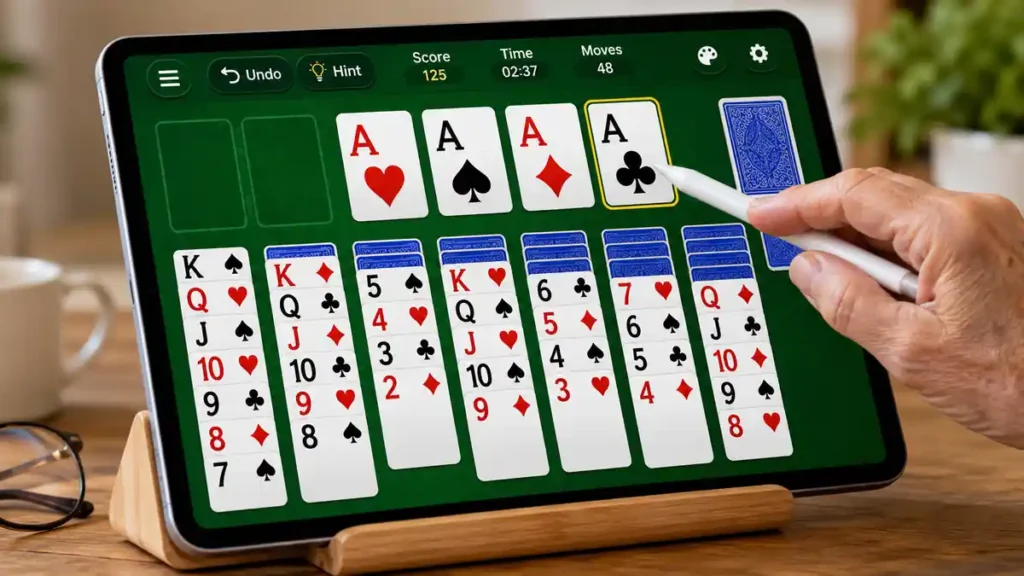
Mobile games often struggle with accessibility. Vita Solitaire incorporates several practical design choices that address common physical and visual changes:
1. Large-Print Cards and Bold Typography
The app uses oversized card suits and numbers. Whether you play on an iPad or a smartphone, you can distinguish card ranks clearly without excessive eye strain.
2. High-Contrast Themes and Night Mode
Bright white screens can contribute to glare and eye tiredness. The app includes dark mode, classic dark-green felt, and neutral background styles that maintain clear contrast between red and black cards.
3. Left-Handed and Orientation Support
Players can toggle between vertical (portrait) and horizontal (landscape) screen modes. An optional left-handed mode repositions the draw deck and primary buttons to the left side of the display for easier reach.
4. Step-by-Step Undos and Hints
There are no countdown timers forcing quick moves. If you make an accidental tap, the undo function lets you step back. If you are unsure of your next move, the hint tool highlights available options.
Vita Solitaire vs. Standard Solitaire Apps
| Feature | Standard Solitaire Apps | Vita Solitaire for Seniors |
| Card & Font Size | Standard small print | Large-print, bold numbers and suits |
| Visual Glare | Often locked to bright backgrounds | Dark mode, dark green felt, high-contrast themes |
| Game Pacing | Frequent countdown timers | Self-paced, no forced timers |
| Hints & Undos | Often limited or locked | Step-by-step hints and undos included |
| Controls | Smaller tap targets | Enlarged touch areas and smooth card movement |
| Offline Play | May require active data | Single-player games work offline without Wi-Fi |
How to Download on iPad, iPhone, and Android
Installing the game is straightforward across major platforms:
For iPad and iPhone Users (Apple App Store)
- Open the App Store on your iPad or iPhone.
- Tap Search at the bottom right and enter
Vita Solitaire for Seniors. - Locate the app created by Vita Studio.
- Tap GET and confirm with your passcode or Apple ID.
- Tap Open once the download completes.
For Android Users (Samsung, Google Pixel, Lenovo Tablets)
- Open the Google Play Store.
- Search for
Vita Solitaire for Seniors. - Select the listing by Vita Studio.
- Tap Install and allow the app to finish setting up.
- Tap Open to launch the game.
📖 ALSO READ:Decluttering for Seniors: A Simple Room-by-Room Guide to Downsizing Safely
Does Vita Solitaire Work Offline?
Yes, single-player card games can be played offline without an active Wi-Fi or cellular data connection.
Once installed, you can play standard Draw 1 and Draw 3 games during travel, in waiting rooms, or when away from home. Features requiring internet connectivity—such as downloading new theme updates or syncing game trophies—will resume when you reconnect.
How Ads and In-App Options Work
Understanding how the free version operates helps set realistic expectations:
- Interstitial Video Ads: Short advertisements typically display after finishing or restarting a round. After a brief countdown, a small “X” or “>>” button appears in the upper corner to close the ad.
- Offline Play: When playing in Airplane mode or away from internet access, third-party video ads cannot load.
- Optional Paid Upgrade: For players who prefer an uninterrupted experience, an optional in-app purchase is available to remove advertising.
📖 ALSO READ:How to Get Cheap Internet for Seniors on a Fixed Income (5 Real Programs)
Cognitive Benefits of Daily Card Games
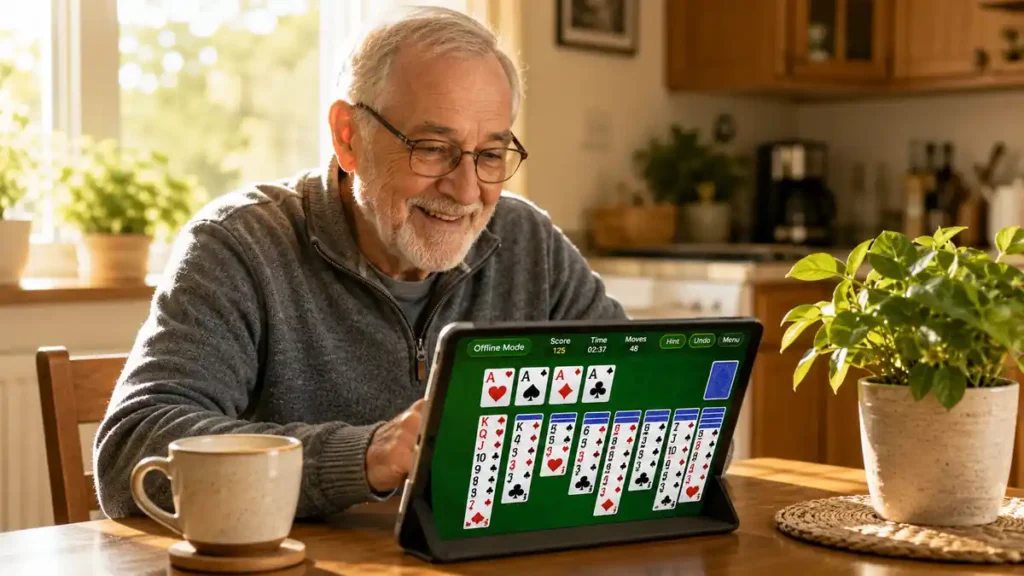
Engaging in regular mental leisure activities is a practical way to support cognitive focus after 60:
- Pattern Recognition: Scanning cards to identify matching numbers and alternating colors keeps visual processing active.
- Working Memory: Tracking hidden cards and planning 2–3 moves ahead exercises short-term memory recall.
- Calm Daily Routine: The structured, familiar rules of Solitaire provide a relaxing mental break during the day.
- Motor Coordination: Tapping and placing digital cards onto foundation piles helps practice deliberate touch control and fine finger movement.
📖 ALSO READ:7 Daily Habits That Help Seniors Maintain Independent Living After 60
Pros and Cons Breakdown
| Pros | Cons |
| Large, clear cards that reduce eye strain | Video ads appear between completed rounds |
| Helpful hint and undo tools included | Uses storage space on older devices with limited memory |
| High-contrast backgrounds including dark green and night mode | Removing ads requires an optional in-app purchase |
| Playable offline without mobile data or Wi-Fi | Periodic app updates may occasionally adjust menu placements |
Frequently Asked Questions
Is Vita Solitaire safe to install on my tablet?
When downloaded directly from the official Apple App Store or Google Play Store, users can review the app’s current permissions, developer details, and customer reviews before installing.
Can I adjust the card appearance or background?
Yes. You can access the in-game Settings menu to select different card styles, background colors, and orientation modes.
Do I need to create an account or provide an email to play?
No. You do not need to register an account or log in with social media credentials to play standard solitaire games.
Final Verdict
For older adults who enjoy casual card games but find standard mobile apps too small or cluttered, Vita Solitaire is a practical and thoughtfully designed digital option.
Its combination of large typography, high-contrast display modes, and relaxed pacing makes it an accessible choice for iPad, iPhone, and Android users. While the free version includes ads between games, its clear interface and offline support make it well worth testing on your device.
Verified Download Resources
- Apple App Store: Vita Solitaire for Seniors on iOS
- Google Play Store: Vita Solitaire for Seniors on Android
- National Institute on Aging (NIA): Cognitive Health and Older Adults
Disclaimer: This article is intended strictly for informational and educational purposes. References to specific software and app stores do not constitute commercial endorsement. Always download applications through official, authorized app marketplaces.
Educational only — not medical, legal, or financial advice. Talk to a qualified professional before changing exercise, diet, medication, or making a major purchase. After60Guide is not a medical practice.




Gaurav Sharma is the founder and lead writer of After60Guide. He writes practical, source-cited guides on movement, nutrition, home safety, and everyday living after 60. He is not a doctor, physical therapist, or financial adviser. Health and money articles are general education, checked against official public sources where relevant — not personal advice. Corrections: contact@after60guide.com